DTwin Open DTwin

Industrial automation training in 3D

Build a plant, then automate it.

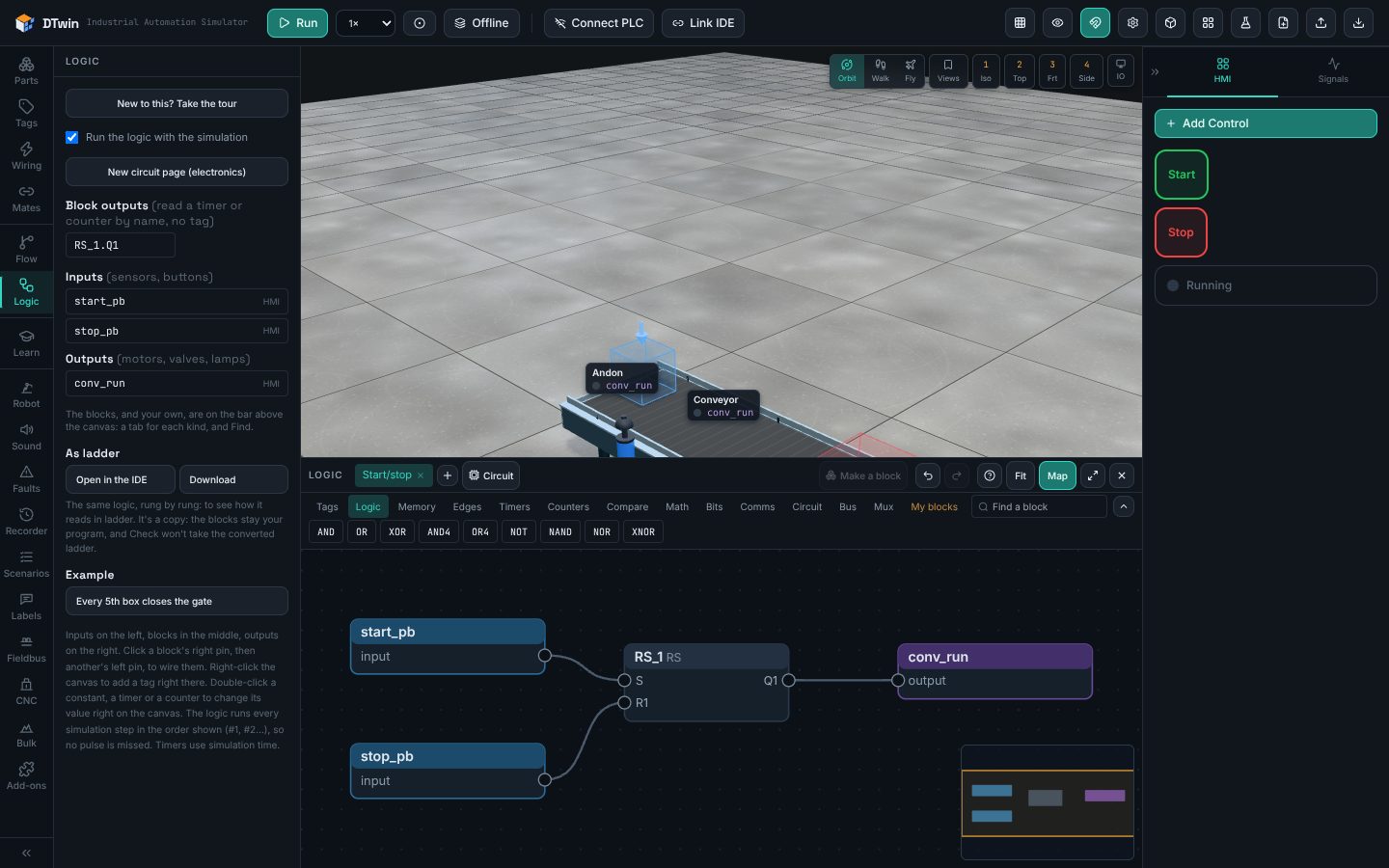
DTwin is a 3D factory for learning industrial automation. Lay out conveyors, robot arms, a CNC router or a crushing plant, add sensors and drives, and control it all from a PLC: blocks or ladder in the app, the pulsePLC IDE, or a real PLC on RS-485 over Modbus RTU. Put faults in to practise troubleshooting, and the lessons check your program.

Nothing to install: it runs in your browser.

What's in it

Machines that behave like real ones

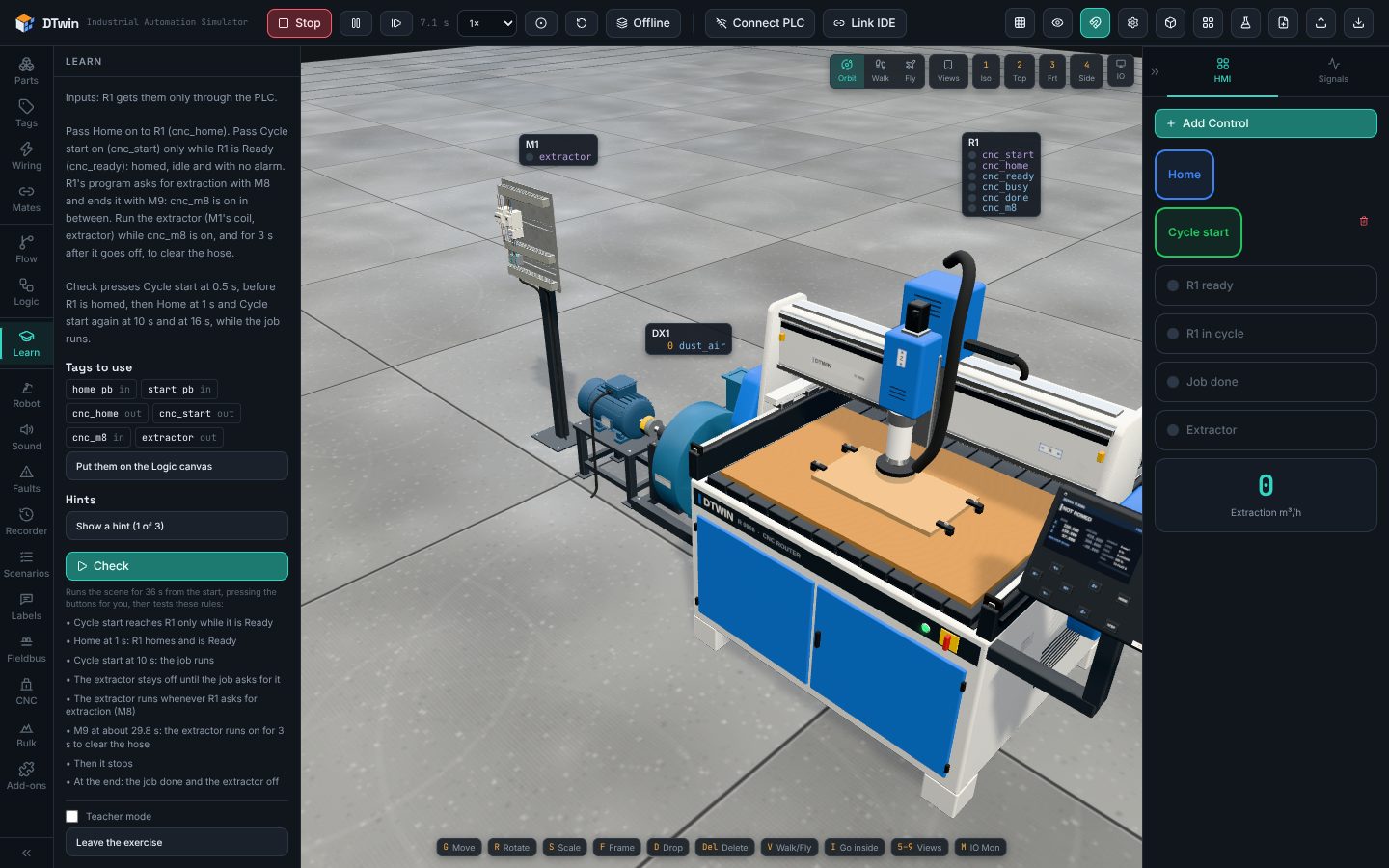
Belts that carry boxes and let them slip, sorters, pick-and-place, six-axis robot arms, AGVs and a warehouse. For bulk: a hopper and vibrating feeder, troughed and inclined belts, a jaw crusher, a three-deck screen and stockpiles. A CNC router that runs G-code, and a plasma table with torch height control.
Sensors and drives

Inductive and capacitive sensors, photo-eyes, limit switches, ultrasonic and laser distance sensors, a light grid and shaft speed sensors. Motor starters, and VFDs with their Modbus registers, the load of the machine they drive, and faults.

Your logic, three ways

Blocks or ladder in the Logic tab. The pulsePLC IDE, linked to the scene. Or a real PLC: DTwin plays the field devices on an RS-485 line, over Modbus RTU.

Lessons that check themselves

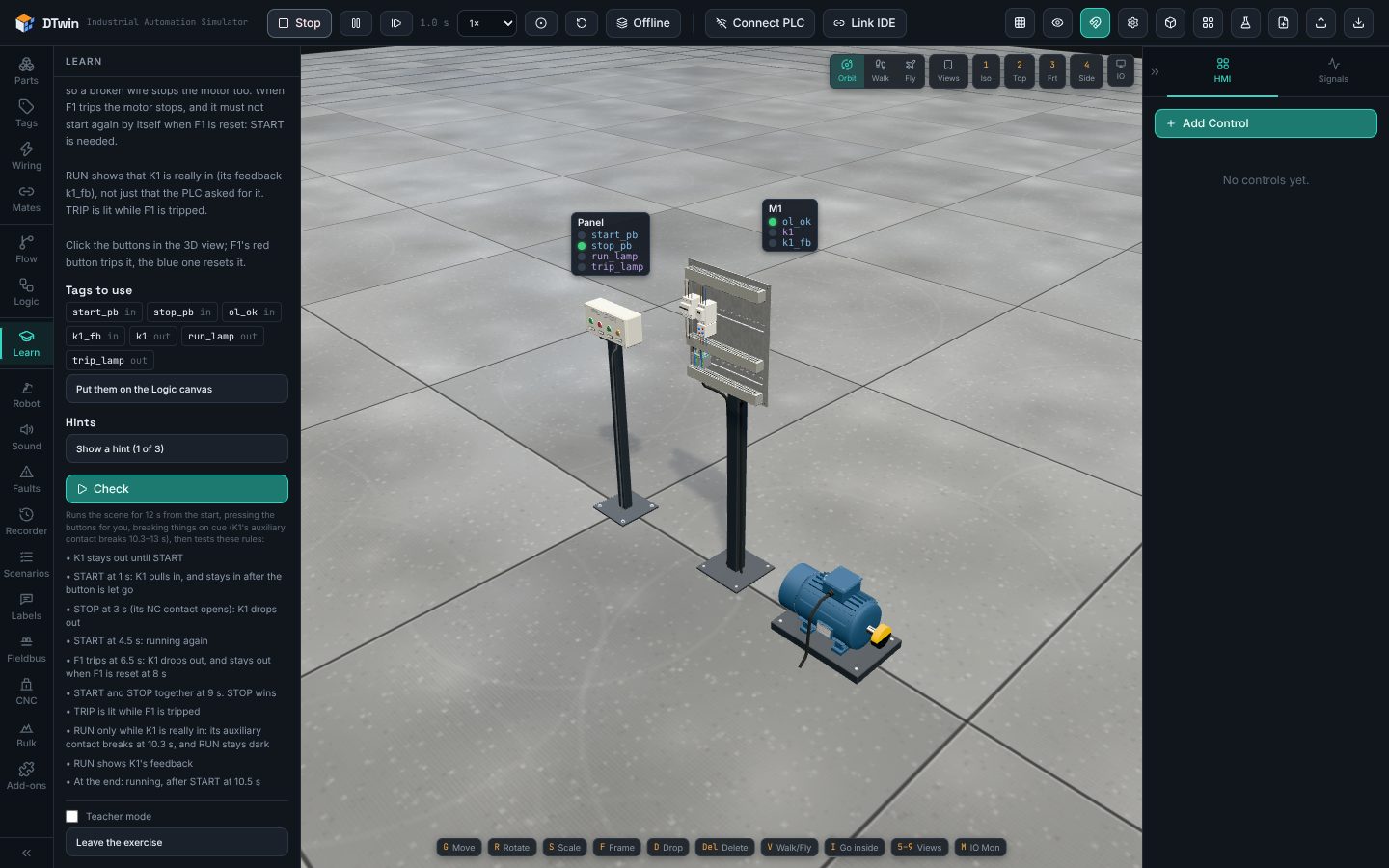
Starter exercises for conveyors, robots, warehouses, process plants, CNC and bulk handling. A trainer panel with seven lessons on seal-ins, interlocks, E-stops and alarms. Nine digital electronics lessons, from a half adder to a small ALU. Check runs the scene and tells you what passed.

Faults on purpose

Break a sensor, jam a belt or trip a drive, and see whether the program copes. Record a video of the run to show a class.

Part Studio: draw your own machines

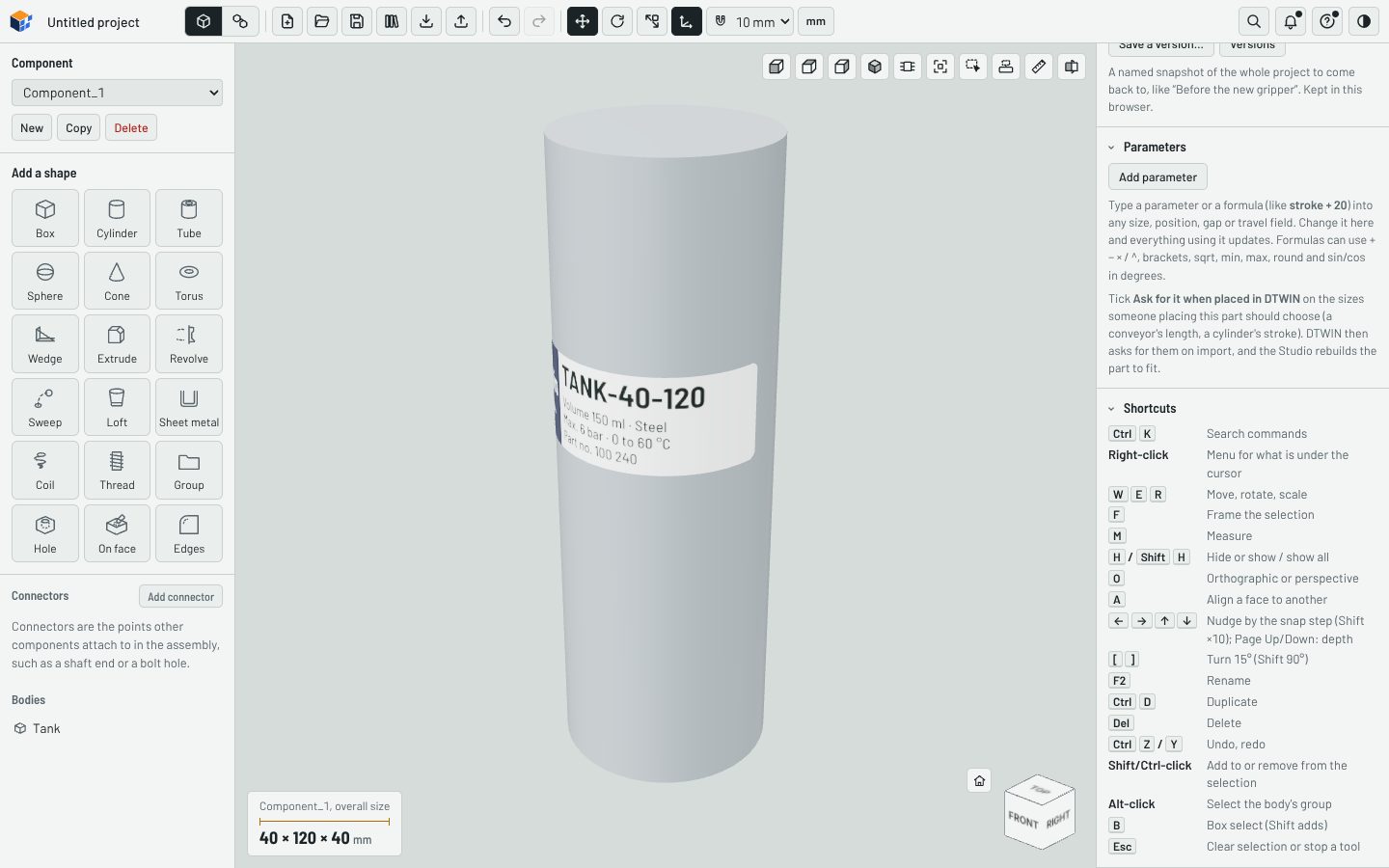
CAD in the browser: sketches, extrude, revolve, sweep and loft, holes, sheet metal, and assemblies with mates. Give a part its signals, a screen with pages and buttons, and a nameplate. Send it to DTwin and it works there as a device.

Who it's for

Students

Practise on machines your lab doesn't have, as often as you need. A mistake costs nothing, and you see exactly what your program did.

Trainers and colleges

Every student gets the same machines in a browser, with nothing to install. The lessons check themselves, and you can write your own, with the checks they pass.

Engineers

Run a sequence against a model before the machine is built, with the PLC you will use on site connected over RS-485.

See it

Start with a lesson

Open DTwin, go to Learn, and pick a lesson. Each one says what to build, gives hints when you ask, and checks your program when you press Check.